Allow tokens to use custom defined roles - SOLVED
Answered
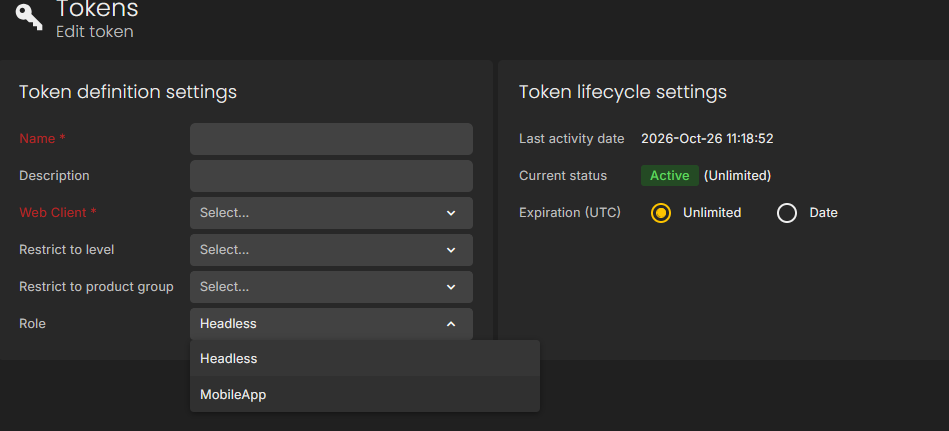
I would like to see feature to define custom roles that you can use for token craetion. Currently it seems that only builtin roles "Headless" "MobileApp" are the only options.
-
Official comment

Hi Veeti,
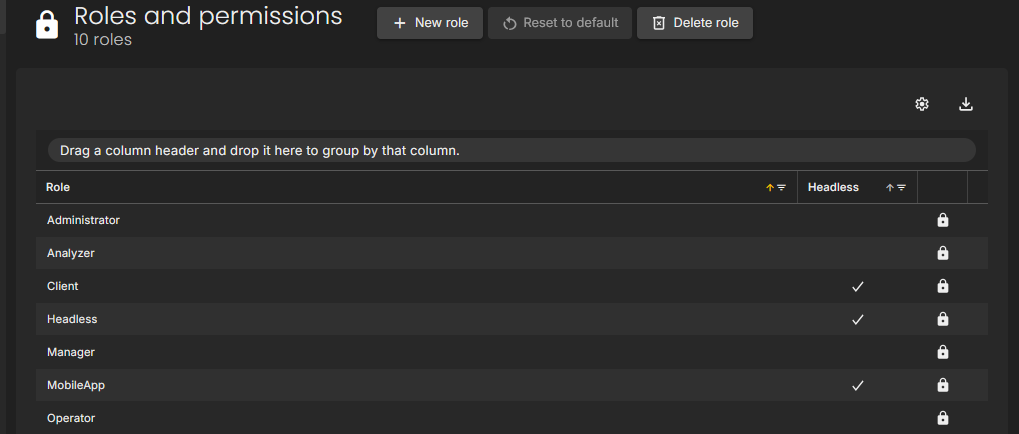
You can use custom roles for tokens, as long as the role is configured as headless.
To configure this, navigate to Roles & Permissions, then create a new role or edit an existing one and enable the Headless option.
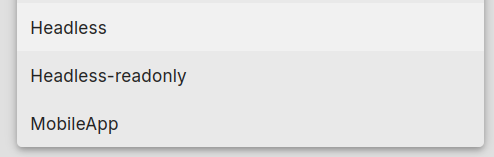
Once enabled, the custom role should appear in the role selection list when creating or editing a token.
Please note that this functionality is only available with the Enterprise plan.
Comment actions


Please sign in to leave a comment.
Comments
2 comments